
Most IT careers have a clear starting point, and for a large part of the industry, that starting point is CompTIA A+ Core 2.
The 220-1202 exam covers the skills that employers actually look for in entry-level candidates, from operating systems and security to troubleshooting and operational procedures.
Coming in as a first-timer, switching from another field, or building toward a specialization like cybersecurity or networking, understanding what this exam covers and how to prepare for it makes a real difference.
This post walks through every domain, the key changes in V15, and what comes next after you pass.
What is CompTIA A+ Core 2?
CompTIA A+ is one of the most widely recognized entry-level IT certifications in the world.
Backed by CompTIA (Computing Technology Industry Association), it validates the foundational skills required for IT support roles, covering everything from hardware and operating systems to security and troubleshooting.
Unlike many certifications that require just one exam, CompTIA A+ has a two-exam structure.
To earn the certification, candidates must pass both Core 1 (220-1201) and Core 2 (220-1202). Each exam tests a distinct set of skills, and both are required. There are no shortcuts.
The latest V15 version (released in March 2025) adds expanded coverage of macOS, Linux, mobile OS, and basic AI concepts.
CompTIA A+ Core 2 V15: Key Exam Details at a Glance
The exam is available in English, German, and Japanese, and is estimated to retire around 2028. It uses scaled scoring, meaning different questions carry different weights, so there is no single fixed percentage you need to hit.
Here is a quick breakdown of everything you need to know about the 220-1202 exam:
|
Detail |
Info |
|---|---|
|
Exam Code |
220-1202 V15 |
|
Launch Date |
March 25, 2025 |
|
Exam Fee |
$265 (US) |
|
Questions |
Up to 90 |
|
Time Limit |
90 minutes |
|
Passing Score |
700 out of 900 |
Among the three question formats, MCQ, drag-and-drop, and PBQs, performance-based questions deserve special attention.
The DoD 8140 approval is also worth noting. It qualifies A+ holders for IT roles within U.S. federal and defense agencies.
CompTIA A+ Core 2 Exam Domains and Objectives
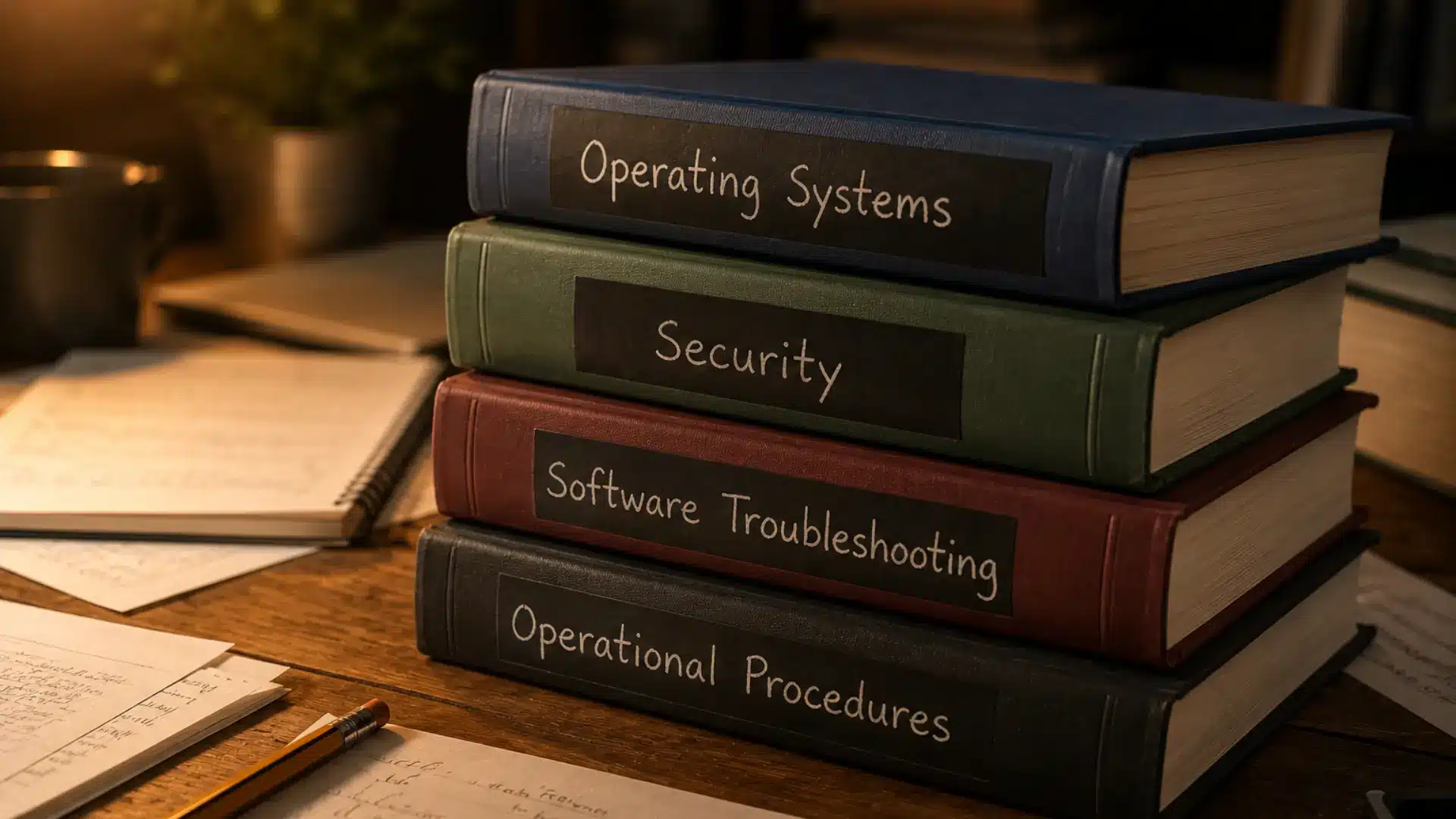
The 220-1202 exam is built around four domains, each reflecting a core area of IT support work. Here is how the exam weight is distributed:
Domain 1: Operating Systems (28%)
The largest domain tests your ability to work across multiple platforms, not just Windows. Expect questions on installation, configuration, and day-to-day OS management.
It covers OS types, including Windows, macOS, Linux, Chrome OS, iOS, and Android, as well as installation methods, boot configurations, and upgrade paths.
Candidates are also tested on Windows editions, file systems such as NTFS and ext4, core diagnostic tools such as Task Manager and Event Viewer, and macOS and Linux basics.
Domain 2: Security (28%)
Security carries equal weight to Operating Systems in V15, reflecting how central cybersecurity has become in everyday IT support roles.
The most heavily updated domain in V15, Security, covers both foundational concepts and hands-on applications.
Topics include malware types and threat identification, access controls, multifactor authentication, encryption tools like BitLocker, wireless and SOHO network security, and browser security configuration.
Domain 3: Software Troubleshooting (23%)
This domain is heavily scenario-based and tests your ability to diagnose and resolve software issues methodically across operating systems, applications, and mobile devices.
It covers a structured troubleshooting methodology, in which candidates are expected to follow a logical, step-by-step process rather than guessing at solutions.
Common Windows OS issues such as boot failures, BSODs, slow performance, and update errors are tested alongside application errors, crashes, and compatibility issues.
Domain 4: Operational Procedures (21%)
This domain covers the professional standards, processes, and workplace practices that keep IT environments running smoothly and compliantly.
Documentation and ticketing practices test your ability to maintain accurate records of support incidents, asset inventories, and network diagrams.
Change management covers formal request workflows, approval processes, and rollback planning to protect business continuity.
What’s New in V15?
If you previously studied for the 220-1102 or are comparing the two versions, here is what changed with the V15 update and why it matters.
-
Security Domain Weight Increase: Security now accounts for 28% of the exam, up 3 percentage points from the previous version.
-
Expanded macOS, Linux, and Mobile OS Coverage: The 220-1202 offers significantly broader coverage across non-Windows platforms.
-
Updated Wireless and Encryption Protocols: V15 aligns the exam with current standards, including WPA3 and updated encryption practices that reflect the challenges IT professionals encounter.
-
AI Concepts and Cloud-Based Productivity Tools: A notable new addition in V15, candidates are now expected to have basic awareness of how AI tools and cloud platforms are being used in IT support workflows.
-
Old Exam Retirement: The 220-1102 officially retired for English-language testers on September 25, 2025. If you are starting your A+ journey now, 220-1202 is the only active version available.
These updates make the 220-1202 a more relevant and comprehensive exam than its predecessor, better reflecting the tools, threats, and workflows IT professionals deal with today.
How to Register for the CompTIA A+ 220-1202 Exam?
All CompTIA exams are delivered exclusively through Pearson VUE, either in person at an authorized test center or online via remote proctoring.
Here is exactly how to get started.
-
Step 1: Purchase a Voucher. Buy your exam voucher through the CompTIA Store or Pearson VUE Voucher Store for $265 (US). Each voucher covers one exam attempt and is valid for 12 months from the date of purchase.
-
Step 2: Create Your Account. Set up a CompTIA account if you do not already have one, then log in to the Pearson VUE portal to begin scheduling.
-
Step 3: Choose Your Format. In-person testing is available at authorized Pearson VUE test centers worldwide. Online proctored testing lets you take the exam from home under live remote supervision.
-
Step 4: Pick Your Date. Select your preferred exam date and time through the Pearson VUE scheduling system. Book well in advance, especially for in-person slots, as availability at popular centers fills up quickly.
-
Step 5: Bring Valid ID. Two forms of identification are required on exam day, and at least one must be government-issued.
-
Step 6: Version Match Rule. Both Core 1 and Core 2 must be from the same exam version. If you are sitting the 220-1202, your Core 1 exam must be the 220-1201. Mixing versions across the two exams is not permitted.
CompTIA A+ Core 2 vs. Core 1
To earn the CompTIA A+ certification, you must pass both exams. Neither exam alone is enough.
Core 1 and Core 2 are designed to complement each other, together covering the full range of skills an IT support professional needs on the job.
|
Detail |
Core 1 (220-1201) |
Core 2 (220-1202) |
|---|---|---|
|
Focus Area |
Hardware, networking, cloud |
OS, security, troubleshooting |
|
Passing Score |
675 out of 900 |
700 out of 900 |
|
Domain 1 |
Mobile Devices |
Operating Systems |
|
Domain 2 |
Networking |
Security |
|
Domain 3 |
Hardware |
Software Troubleshooting |
|
Domain 4 |
Virtualization and Cloud |
Operational Procedures |
|
Domain 5 |
Hardware and Network Troubleshooting |
None |
Core 1 focuses on the physical and infrastructural side of IT, covering hardware, networking, mobile devices, and cloud basics. Core 2 shifts the focus to software, security, and professional procedures.
Who Should Take the CompTIA A+ Core 2 Exam?
The 220-1202 is designed for anyone looking to build or validate foundational IT support skills. Here is who benefits most from this certification.
-
Entry-Level IT Professionals: If you are just starting out in IT, Core 2 provides a recognized credential that demonstrates your ability to manage operating systems, troubleshoot software issues, and apply basic security principles.
-
Career Changers into IT Support: For professionals transitioning from another field, A+ Core 2 provides a structured path into IT without requiring a degree or prior experience.
-
Those Targeting DoD or Government IT Roles: CompTIA A+ is approved under the DoD 8140 directive, making it a required or preferred credential for IT roles within U.S. federal and defense agencies.
-
Students Building Toward Network+ or Security+: A+ serves as the natural starting point in the CompTIA certification pathway. Core 2, in particular, lays the groundwork for Security+, with its expanded security domain.
If you are entering IT for the first time, switching careers, or building toward a specialization, CompTIA A+ provides a solid and globally recognized foundation to start from.
How to Prepare for the 220-1202 V15 Exam?

Passing the 220-1202 requires more than memorizing definitions. Here is a practical preparation approach that aligns with how the exam is actually structured and tested.
|
Feature |
Do This |
Avoid This |
|---|---|---|
|
Study Timeline |
Study consistently for over 8 to 12 weeks |
Cramming everything the week before |
|
Hands-On Practice |
Practice on virtual machines |
Reading theory without any hands-on work |
|
Practice Tests |
Start mock tests early in your prep |
Saving mock tests for the last few days |
|
PBQ Preparation |
Drill PBQs by actually performing the tasks |
Skipping performance-based question practice |
|
Exam Readiness |
Target consistent scores above 80% |
Booking the exam after just one practice run |
Give yourself enough time, use the right resources, and prioritize hands-on practice over passive reading. The 220-1202 rewards preparation mirrors real IT support work, not just exam memorization.
Companies That Recognize CompTIA A+
CompTIA A+ is not just a resume line item. It is actively sought by some of the biggest names in tech, healthcare, manufacturing, and government.
Companies like Intel, Dell, Ricoh, Nissan, Blue Cross Blue Shield, and HP look for the CompTIA A+ certification when hiring IT support specialists, IT field service technicians, desktop support analysts, and help desk tier 2 support.
The U.S. Department of Defense also recognizes it under the DoD 8140 directive, making it a required credential for a range of federal IT roles.
CompTIA A+ is vendor-neutral and accepted by employers across the globe, including government agencies and Fortune 500 companies.
Job Titles and Salary Expectations After Core 2
Earning your A+ opens doors across a wide range of entry-level IT roles. Salaries vary based on location, employer, and experience level, but here is a general breakdown of what to expect.
|
Job Title |
Average Annual Salary (US) |
|---|---|
|
Help Desk Technician |
$40,000 to $55,000 |
|
Desktop Support Specialist |
$45,000 to $60,000 |
|
Field Service Technician |
$42,000 to $58,000 |
|
IT Support Analyst |
$50,000 to $65,000 |
These figures reflect entry-level positions.
With a few years of hands-on experience and additional certifications, most A+ holders move into mid-level roles such as systems administrator, network technician, or IT manager, with significantly higher earning potential.
Next Certifications to Pursue After CompTIA A+
CompTIA A+ sits at the base of a well-defined certification pathway. Once certified, the direction you take depends on the area of IT you want to specialize in.
Here are the most logical next steps and what each one leads to.
-
Network+: The natural next step for anyone interested in networking roles. It builds directly on the networking fundamentals covered in Core 1 and prepares you for roles such as network technician.
-
Security+: Core 2’s expanded security domain provides strong preparation for the Security+ content, covering areas such as threat management, cryptography, and identity management.
-
Server+: Best suited for candidates moving into server administration and data center support. It covers server hardware, storage, virtualization, and troubleshooting in environments that go beyond typical desktop support.
-
Cloud+: As businesses continue to migrate to cloud platforms, Cloud+ positions candidates for roles in cloud administration, deployment, and troubleshooting across major platforms such as AWS and Azure.
The right next certification depends on your career goal, but any of these paths builds naturally on the foundation A+ gives you.
Frequently Asked Questions (FAQs)
What is the Passing Score for CompTIA A+ Core 2 220-1202?
The passing score for the 220-1202 is 700 on a scale of 100 to 900. CompTIA uses scaled scoring, so different questions carry different weights depending on difficulty.
What is the Difference Between 220-1102 and 220-1202?
The 220-1202 is the updated V15 version of the Core 2 exam, replacing the outgoing 220-1102, which retired on September 25, 2025.
Is CompTIA A+ Core 2 Hard?
Candidates with hands-on IT experience typically find it manageable with 8 weeks of focused study. Those starting fresh should allow 10 to 12 weeks and prioritize lab practice alongside study materials.
How Much Does the 220-1202 Exam Cost?
The exam costs $265 per attempt in the US. CompTIA occasionally offers discounts through academic institutions, training partners, and bundle vouchers that include both Core 1 and Core 2.
When Does the CompTIA A+ V15 Exam Retire?
The 220-1202 launched on March 25, 2025, and is estimated to retire around 2028, following CompTIA’s standard three-year exam lifecycle.
The Bottom Line
CompTIA A+ Core 2 (220-1202) V15 is more than an entry-level exam. It is proof that you can manage operating systems, secure endpoints, troubleshoot software, and operate professionally in a real IT environment.
For anyone serious about building a career in IT support, cybersecurity, or systems administration, the 220-1202 is the credential that gets you in the door.
The updated V15 objectives reflect exactly what employers need from IT professionals today, making it as relevant as ever.
From exam details and domain objectives to preparation strategies, career paths, and company recognition, everything you need to plan your certification venture is covered right here.
Bookmark this page and come back to it as you prep for exam day.