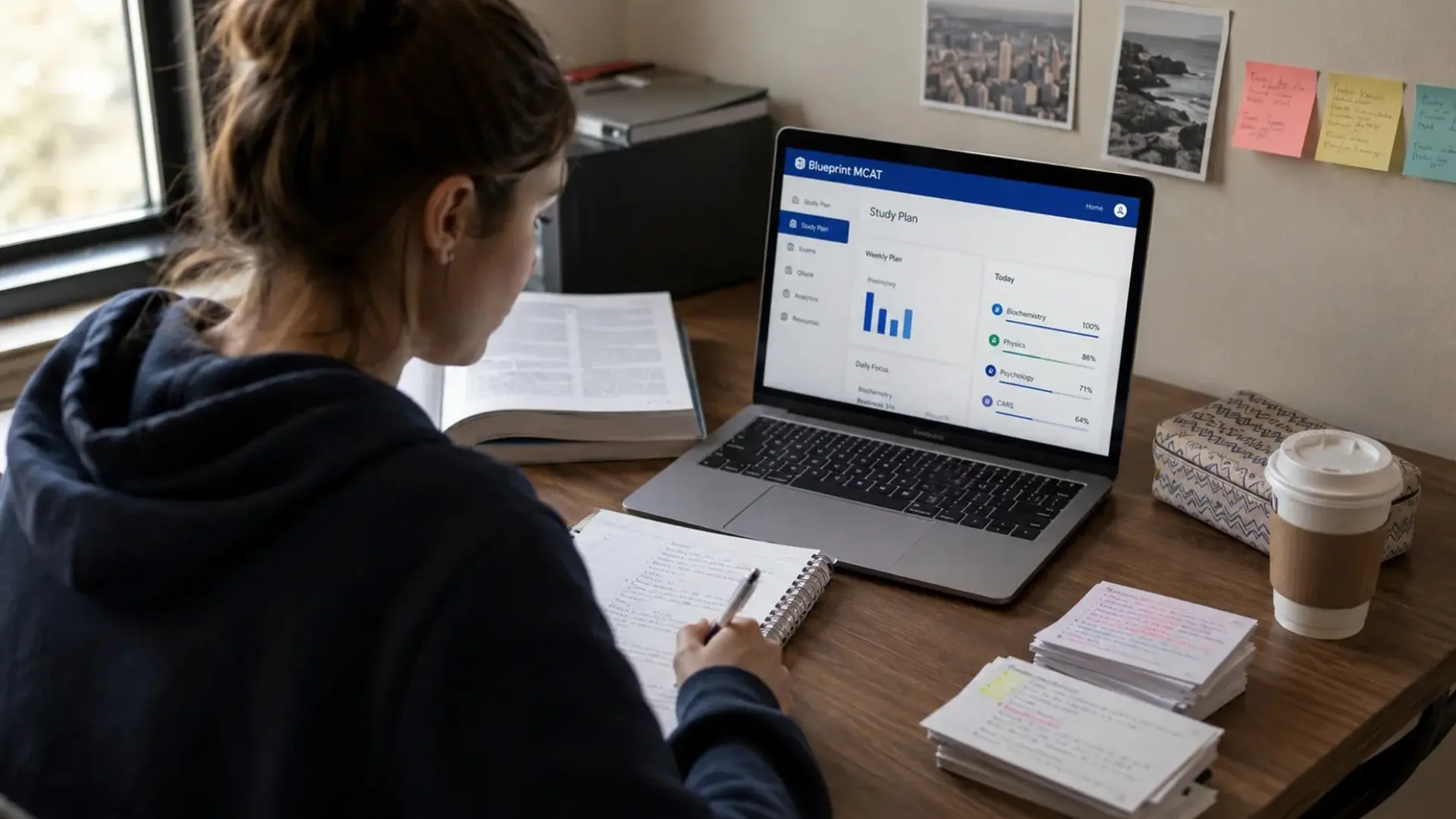


A CompTIA A+ Core 1 practice test can turn a vague sense of readiness into an honest measurement of where you stand in your preparation.
Many candidates walk into exam day having read every objective, yet still get tripped up by a scenario question they never rehearsed.
That gap between recognizing a topic and applying it under a 90-minute clock is exactly what practice testing closes.
I have broken down the exam’s domains, sample questions, and a week-by-week plan so your remaining study hours go toward the exact gaps that matter most before test day.
CompTIA A+ Core 1 Exam at a Glance
Before diving into practice questions, it helps to see the exam’s shape as a whole. Here’s every core detail pulled about the CompTIA A+ Core Exam:
Detail | Information |
Exam Code | 220-1201 |
Number of Questions | Up to 90 (varies by candidate) |
Time Limit | 90 minutes |
Passing Score | 675 out of 900 |
Question Format | Multiple-choice, drag-and-drop, and performance-based questions |
Domains Covered | Mobile devices, networking, hardware, virtualization and cloud computing, hardware and network troubleshooting |
Languages Available | English, German, and Japanese |
Recommended Experience | Around 12 months of hands-on IT support work |
This version of the exam, Core 1 (220-1201), launched in March 2025 and typically stays active for about three years, so confirm you’re studying the current V15 objectives rather than an older exam code.
For the latest exam objectives, sample questions, certification requirements, and official updates, visit the CompTIA A+ Core 1 (V15) official page.
Breaking Down the Five Core 1 Domains Before You Start
Knowing the weighting numbers only tells half the story, so here’s a closer look at what sits inside each domain before you sit down with any practice test:
- Mobile Devices: Laptop hardware, displays, connectors, batteries, and mobile OS configuration and security settings
- Networking: IP addressing, wireless standards, cabling types, network hardware, and common protocols and ports
- Hardware: RAM, storage drives, motherboards, power supplies, cooling systems, and printer components and maintenance
- Virtualization and Cloud Computing: Hypervisors, cloud service models, cloud deployment types, and virtual machine resource management
- Hardware and Network Troubleshooting: Diagnostic methodology, common hardware failures, network connectivity issues, and step-by-step repair procedures
Virtualization and cloud computing carry only a small portion in the exam, but the hypervisor and service-model concepts you learn here carry over directly into cloud certification practice questions.
Top Practice Test Resources for the CompTIA A+ Core 1 Exam

Every resource below serves a different purpose in your prep. Work through a few and notice which style holds your attention long enough to finish:
1. CompTIA’s Official Core 1 (V15) Practice Questions
These sample questions come straight from the organization that writes and grades your actual certification exam.
Because CompTIA controls both the real test and this sample set, the phrasing, tone, and difficulty line up closely with what you’ll see on test day, giving you an honest read on where your knowledge stands.
Limitation: Only a small sample, not a full-length simulation.
2. ExamCompass Free A+ Practice Tests
ExamCompass strips away every barrier that usually slows down free test sites. There’s no account to create, no email to hand over, and no countdown before a paywall interrupts your session.
You click in, answer questions organized by exam domain, and get your score immediately, which makes this a good fit for a fast review between longer study blocks.
Limitation: Explanations run shorter than some competitors offer.
3. UnionTestPrep A+ Core Series Practice Test
This platform builds its question sets around the same domain weighting CompTIA uses on the real exam, so your practice session mirrors the actual proportion.
After each attempt, personalized feedback flags the domains dragging your score down, giving you a clear direction for your next study session instead of a vague overall percentage.
Limitation: Full question bank sits behind a paid upgrade.
4. Tests.com Free CompTIA A+ Practice Test
Built by instructors with a computer science background, this test keeps things straightforward: read the question, pick an answer, and get a full explanation of why it’s correct.
There’s no flashy interface or gamified scoring here, just a clean practice run that suits anyone who wants to test their baseline knowledge without extra distractions.
Limitation: Smaller question pool than dedicated exam-prep platforms.
5. Professor Messer’s Free A+ Training
Professor Messer built one of the most recognized free A+ training libraries online, and his site regularly posts short pop quizzes and rapid-fire question challenges alongside his video lessons.
Because these quizzes are tied directly to specific topics he teaches, they work best when you use them right after watching the matching lesson rather than as a standalone test.
Limitation: Not a single, full-length timed exam simulation.
6. ExamPremium CompTIA A+ Core 1
With over a thousand free questions and zero signup requirement, ExamPremium is built for candidates who want to grind through as many questions as possible before test day.
The bank includes performance-based question formats in addition to standard multiple-choice, so you get exposure to both styles you’ll encounter on the actual Core 1 exam.
Limitation: Interface feels dated compared to newer platforms.
7. OpenExamPrep Free CompTIA A+ Practice
This resource stays current with the newest V15 exam objectives, including the AI fundamentals and cloud-native topics CompTIA folded into the 2025 update.
Each question comes paired with a detailed explanation written in an exam-tip style, walking through not just the correct answer but the reasoning CompTIA expects you to apply on similar questions.
Limitation: The full 200-plus question bank requires the interactive quiz mode.
8. GCP PCA Test Free A+ Core 1 Practice
Beyond a large bank of free multiple-choice questions, this site includes interactive performance-based labs covering tasks.
Its full mock exams replicate the ninety-question, ninety-minute format closely, making it one of the more complete free simulations available.
Limitation: Domain-wise drills can feel repetitive after a few rounds.
9. CareerEmployer Free CompTIA A+ Practice Test
This full 180-question exam is weighted to match the real certification test’s domain proportions, giving you the closest thing to sitting the actual Core 1 and Core 2 exams back-to-back.
Each answer locks in place once selected and reveals its explanation instantly, so you can review your reasoning without losing your place in the test.
Limitation: Domain drills are shorter than the full simulation mode.
How to Identify Your Weak Areas From Practice Test Results?
Practice test results hold more useful information than just a final score. Looking closer at the details helps you study smarter, not harder. Here are a few ways to spot your weak areas:
- Look at topics: A good overall score can still hide a few weak spots underneath.
- Watch for patterns: Repeated mistakes in one area usually point to a real gap.
- Figure out if it’s memory or understanding: Some mistakes come from forgetting facts, others from not getting the concept.
- Focus on topics that keep tripping you up: These deserve more of your study time than areas you already know well.
- Retest weak areas: This shows whether your extra study time actually helped.
Pairing domain review with broader score-improvement techniques often closes gaps faster than simply repeating the same test twice.
Reviewing your results this way turns a simple test into a real study tool. A little reflection now can save a lot of time later.
Download Our Free Core 1 Practice Test PDF
This free PDF has 104 multiple-choice questions across all five Core 1 domains: mobile devices, networking, hardware, virtualization and cloud computing, and troubleshooting.
Each domain uses its own color, so spotting weak areas is simple. Questions run straight through from the first page, with a full answer key and plain-language explanations at the back.
Check it after finishing a section or the whole test. Download and print, or work on screen.
Download the Free CompTIA A+ Core 1 Practice Test PDF
Your 8-Week Countdown to Core 1 Exam Day
Cramming the night before rarely works for an exam this broad, so spacing your study across two months gives every domain room to sink in. Here’s a week-by-week plan you can adjust around your own schedule.
Week | Focus Domain | Key Topics | Study Tasks | Practice Goal |
Week 1 | Mobile Devices | Displays, connectors, batteries, accessories | Watch videos, take notes | Score 70% on domain quiz |
Week 2 | Networking (Part 1) | IP addressing, protocols, DNS, DHCP | Build a home lab, practice configs | Complete 25 practice questions |
Week 3 | Networking (Part 2) | Wireless standards, cabling, security | Review cable types hands-on | Score 75% on domain quiz |
Week 4 | Hardware (Part 1) | RAM, storage, motherboards, power | Identify parts on a real PC | Complete 25 practice questions |
Week 5 | Hardware (Part 2) | Printers, cooling, peripherals | Practice printer troubleshooting steps | Score 75% on domain quiz |
Week 6 | Virtualization and Cloud | Hypervisors, cloud models, VMs | Set up a free trial VM | Complete 15 practice questions |
Week 7 | Troubleshooting | Methodology, common failure scenarios | Work through scenario-based questions | Score 80% on domain quiz |
Week 8 | Full Review | All five domains combined | Retake full practice test twice | Score 85% or higher overall |
Stick close to this pace and exam day stops feeling like a guess, since you’ll already know exactly where you stand in every domain.
Tips to Pass the Core 1 Exam on Your First Try
Small habits built during your study weeks make a bigger difference than a last-minute cram session ever could. Here are the ones I lean on most when coaching someone through their first attempt:
- Study every domain, not just your strongest one, since scoring assumes balanced coverage across all five
- Practice performance-based questions specifically, since reading about them isn’t the same as solving one under a timer
- Build a small home lab with spare parts to reinforce hardware concepts through touch, not just memory
- Time yourself on every practice test so ninety minutes stops feeling unfamiliar on exam day
- Review wrong answers the same day you miss them, before the reasoning fades from memory
- Sleep a full night before your exam instead of squeezing in one more study session
- Answer every question, even guesses, since Core 1 never penalizes you for a wrong answer
Treat these as habits rather than a checklist, and the exam itself will feel like a formality rather than a surprise.
Conclusion
Regular practice makes a bigger difference than cramming ever will. Testing yourself often builds steady confidence for exam day.
A CompTIA A+ Core 1 practice test keeps your study sessions focused and organized.
Skip the shortcuts and stick with regular review instead. Track your weak spots and revisit them until they improve.
Drop a comment below and share your own study tips.
Frequently Asked Questions
Can You Retake the Core 1 Exam If You Fail?
Yes, you can retake it immediately after a first failure, though most candidates wait a week. After a second failure, CompTIA requires a fourteen-day wait.
Is CompTIA A+ Core 1 Harder Than Core 2?
Mostly, candidates find Core 2 tougher since it covers abstract security and operating system concepts, while Core 1 rewards hands-on hardware familiarity instead.
How Long is the CompTIA A+ Certification Valid?
A+ certification stays valid for three years from your Core 2 pass date. Renew through continuing education units or a higher-level CompTIA exam.
Do You Need Core 2 To Use the A+ Certification?
Yes, passing only Core 1 does not earn certification. CompTIA requires both Core 1 and Core 2 to be passed within twelve months of each other.