
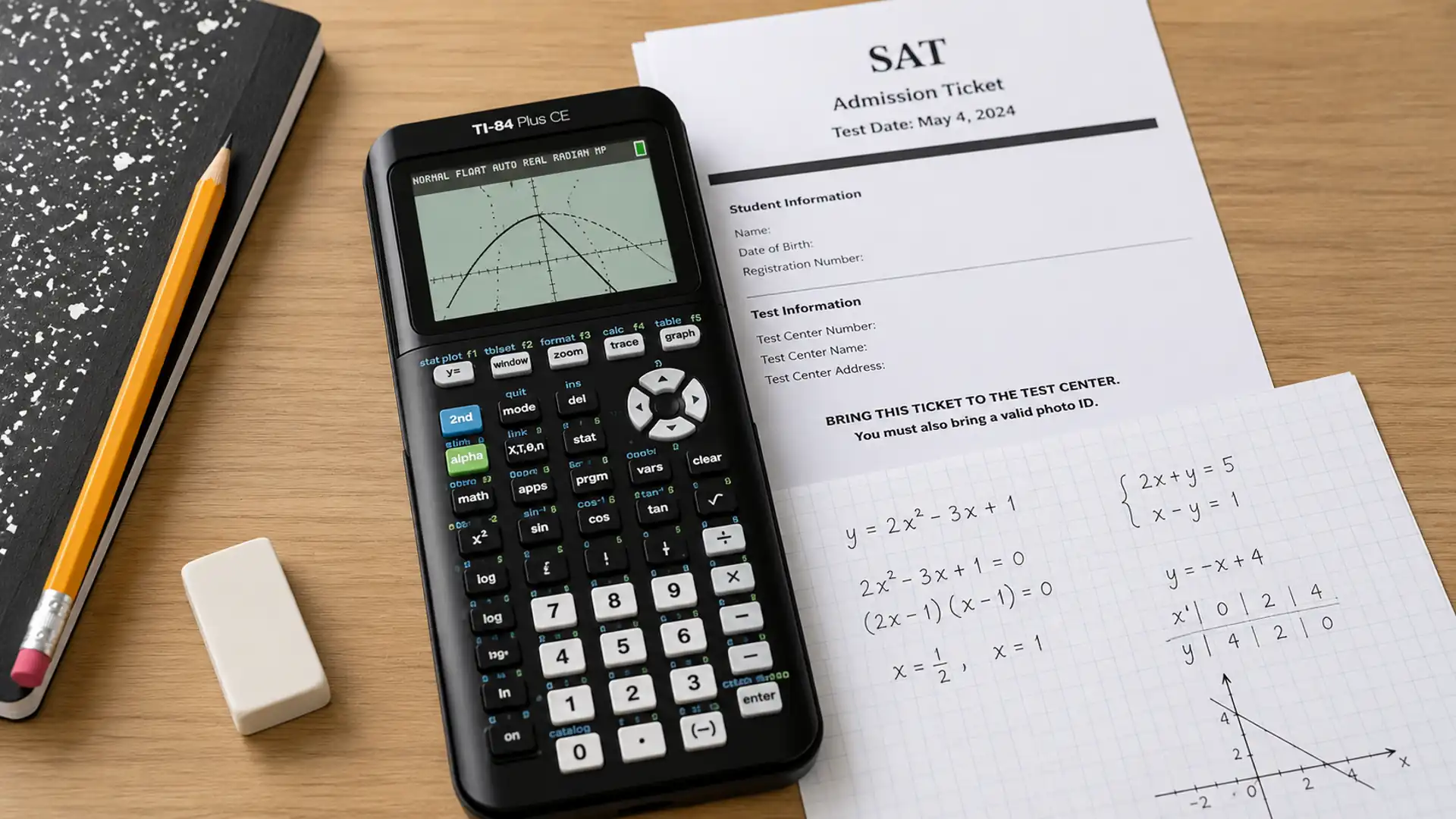
You may spend months preparing for the SAT, but a simple calculator rule can still catch you off guard. It would be the last thing you want on test day to find out your calculator doesn’t meet SAT rules.
Questions such as can you use a calculator on the SAT often come up long before exam day, especially as testing formats continue to change.
The Scholastic Assessment Test (SAT) includes a Math section designed to measure problem-solving, algebra, and advanced math skills.
Knowing how calculators fit into that experience can remove uncertainty, and you walk into the exam with greater confidence.
Can You Use a Calculator on the SAT? The Short Answer
Yes, you can use a calculator on the SAT. But knowing when you can use it, what types are allowed, and how your testing platform handles access will help you walk in without any surprises.
The SAT has undergone several updates over the years, and its calculator policy has shifted accordingly.
What once followed a stricter, more divided approach has changed as the test moved to a digital format for the SAT. Before you decide which device to bring, here is a look at the official rules straight from the test maker.
SAT Calculator Rules: What the Current Policy Actually Allows
The digital SAT made one significant change that students often overlook: calculators are now permitted across the entire Math section.
Both Math Module 1 and Module 2 allow calculator use, a clear shift from the older paper-based format, which had a dedicated no-calculator section.
On test day, you have two options available simultaneously. The built-in Desmos graphing calculator is embedded in the Bluebook testing app and accessible with a single click on every math question; this is the same tool widely known as Desmos for SAT.
A personally approved calculator can also be brought in, placed on the desk, and visible to proctors.
Both tools can be used during the same exam; you can switch between Desmos and a physical calculator freely throughout the test.
Calculator restrictions still matter, though. Using an unapproved device or misusing a calculator during the test can result in dismissal from the exam. So, knowing the approved list before test day removes any last-minute uncertainty.
SAT Approved Calculators: Which Ones Are Allowed?
Not every calculator makes the cut. The College Board maintains a specific approved list, and understanding what qualifies saves a lot of stress on test day:
1. Graphing Calculators
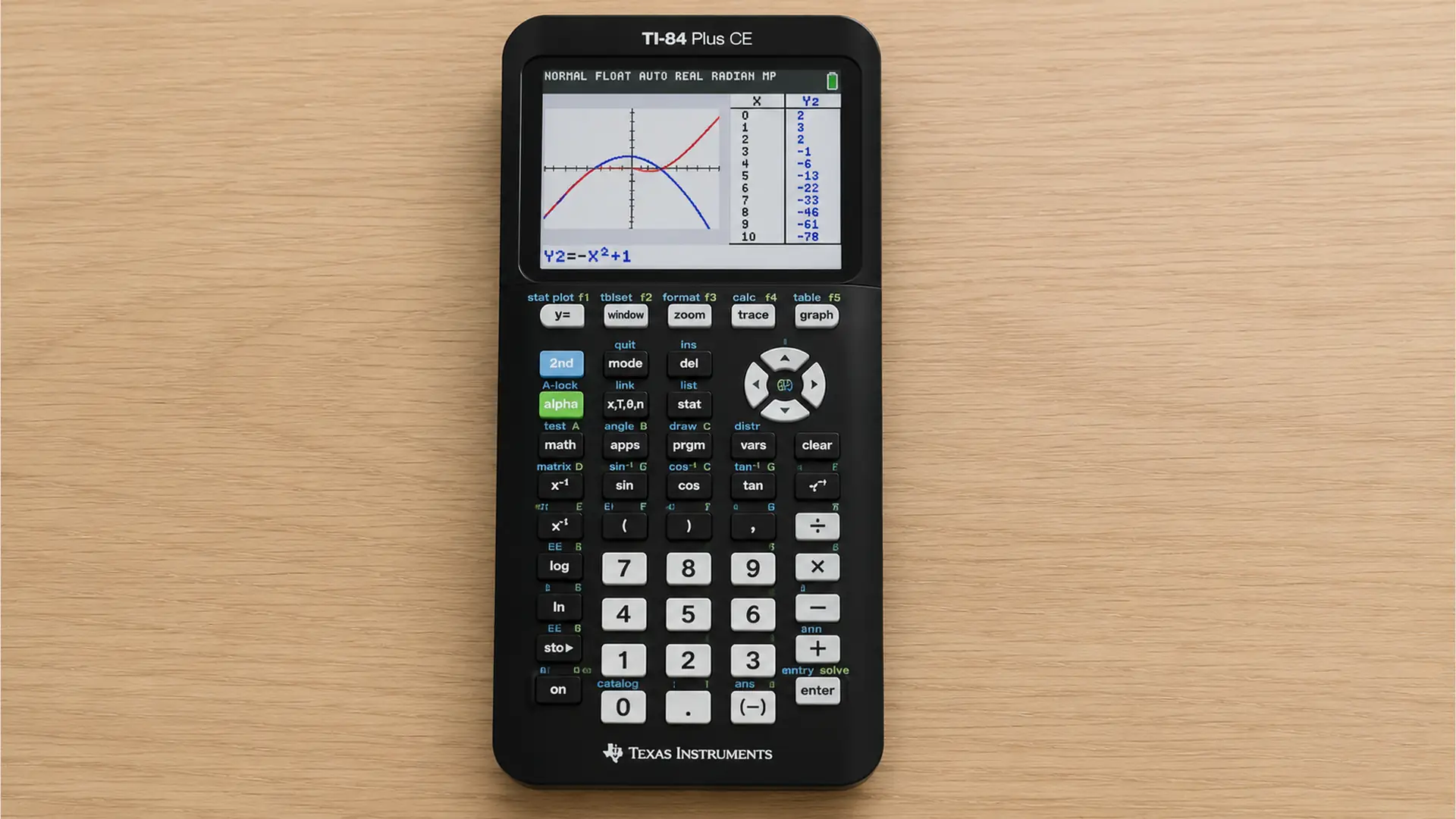
Graphing calculators are the strongest choice you can bring to the SAT. They do a lot more than basic arithmetic. You can plot equations, check your work visually, and move through complex problems faster.
For students who struggle with longer math sections, this type of calculator saves time and reduces the chance of simple errors.
- Best For: Visualizing functions, coordinate geometry, and multi-step algebra problems
- Approved Models: TI-84 Plus CE, TI-84 Plus CE Python, Casio fx-9750GII, Casio fx-CG50
2. Scientific Calculators
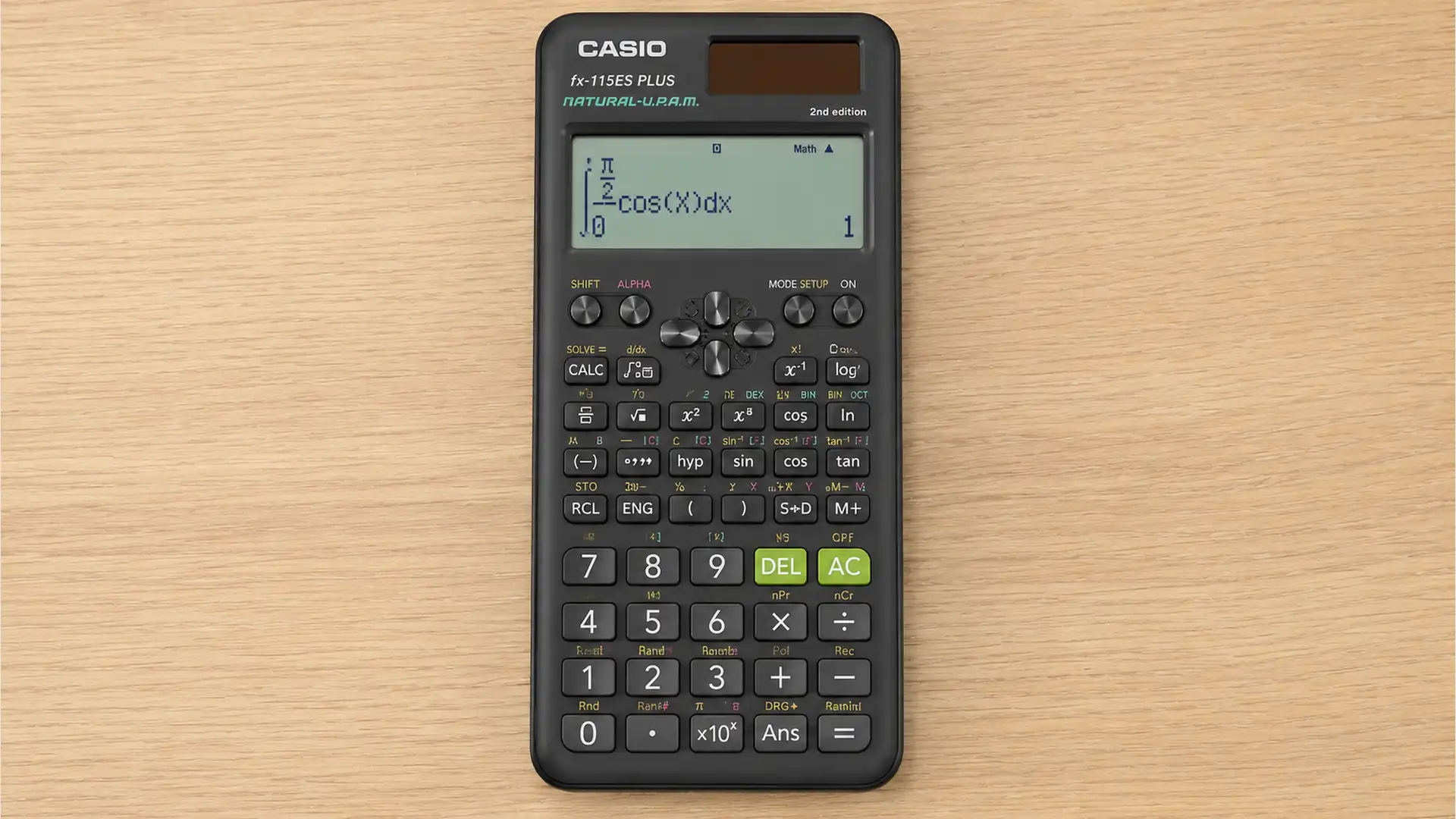
Scientific calculators cover a solid range of SAT math needs. They are a reliable backup if you do not own a graphing model.
Your work with these calculators will be smooth for most question types, but coordinate geometry problems may slow you down since you cannot visualize graphs the same way a graphing calculator allows.
- Best For: Trigonometry, exponents, roots, and standard algebraic calculations
- Approved Models: Casio fx-115ES Plus, TI-30X IIS, Sharp EL-5200
3. Four-Function Calculators
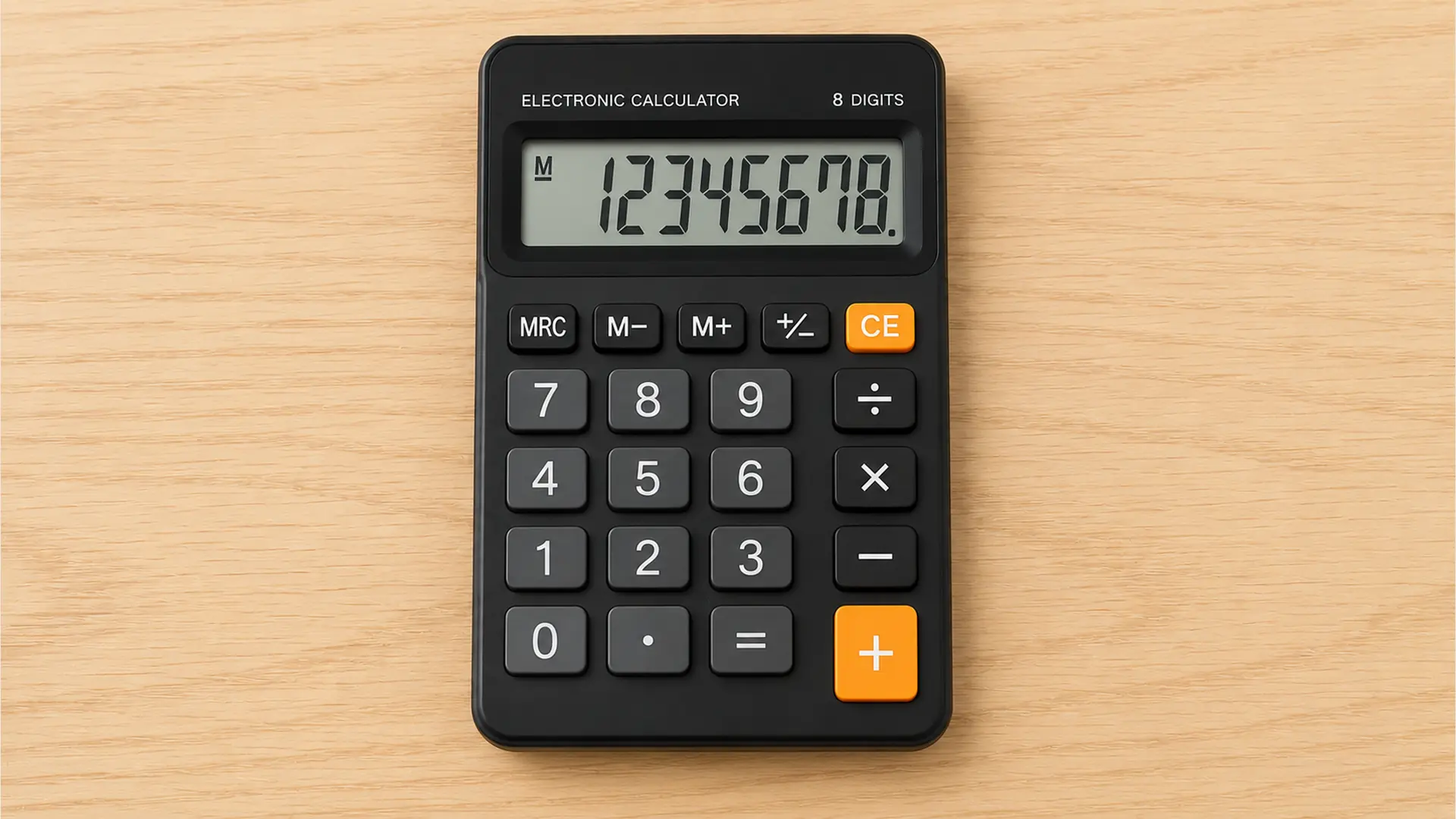
A four-function calculator handles basic arithmetic. While it is technically allowed on your SAT, it is not a practical choice for the math section.
Most questions go beyond simple operations, and your performance may suffer without access to more advanced functions. Bringing one is permitted, but upgrading your device before test day is a much better decision.
- Best For: Basic arithmetic only; not suited for most SAT math question types
- Approved Models: Any standard four-function calculator without internet access or CAS features
4. Calculators Built Into the Digital SAT
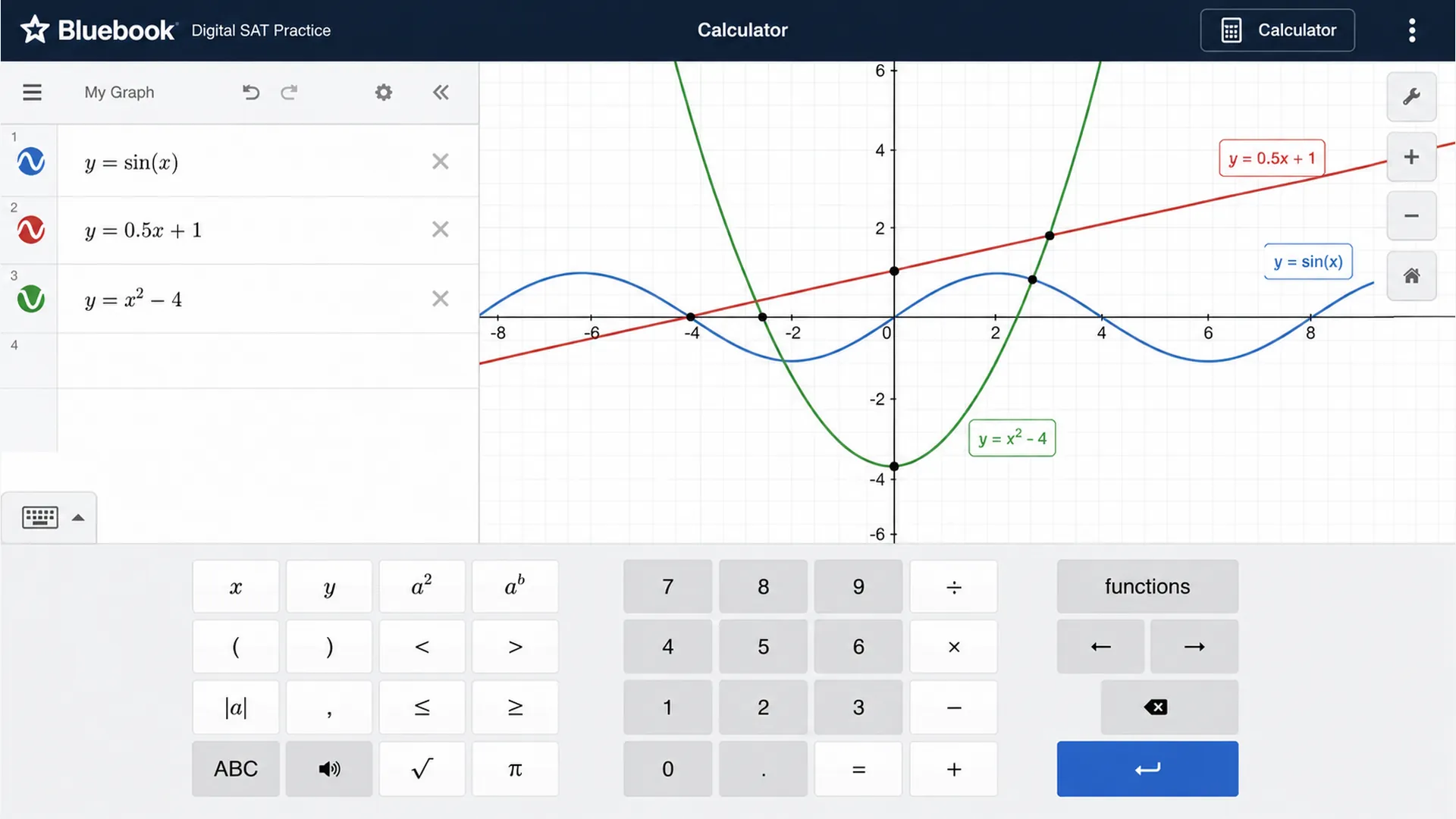
The digital SAT gives you access to a built-in Desmos graphing calculator inside the Bluebook app. You do not need to bring anything extra to use it.
It is available on every math question, loads instantly with a single click, and supports graphing, tables, and function analysis. Using your built-in tool alongside a personal device gives your test session extra flexibility.
- Best For: Graphing, function analysis, and quick visual checks during the digital SAT
- Approved Models: Desmos graphing calculator (embedded in Bluebook; no download needed)
Note: Before finalizing any device, always cross-check the model against the College Board’s official calculator policy.
Which Calculators Are Prohibited on the SAT?
Some devices look harmless but are firmly off the permitted list. The table below covers every category and model the College Board bans on test day:
| Prohibited Feature | Banned Models/Devices |
|---|---|
| CAS (Computer Algebra System) | TI-Nspire CAS, TI-89/92 series, HP Prime, Casio ClassPad series. |
| QWERTY keyboards | Any calculator with a full keyboard layout |
| Wireless, Bluetooth, or cellular connectivity | Any device with internet or network access |
| Built-in cameras or recording capability | Any device with audio/video recording features |
| Symbolic algebra apps or programs | Any calculator running CAS-based software |
| Smartphones, tablets, smartwatches, laptops | All devices, regardless of the calculator app installed |
Using or bringing a prohibited device has immediate consequences: you will be dismissed from the test center, and your scores will be canceled.
Desmos vs Physical Calculator: Which Should You Use?
Both tools are available to you at the same time during the digital SAT, and each has its strengths depending on the question in front of you.
Desmos handles graphing, systems of equations, quadratic roots, and unknown-constant problems with speed and visual clarity. It requires no purchase, no setup, and no batteries.
Your physical calculator, on the other hand, may feel faster for arithmetic-heavy steps or if you have spent years building muscle memory with a specific device.
For most students, Desmos pulls ahead on visual and multi-step problems. A personal calculator often wins on straightforward computation.
You do not have to choose one. Using both throughout the exam is fully permitted, and switching between them freely gives your test session the most flexibility.
Calculator Tips to Maximize Your SAT Math Score
Having the right calculator is only part of the equation. Knowing how to use it strategically is what actually moves the score. Here are the tips that make a real difference:
- Practice With the Same Tool Before Test Day: Unfamiliarity with a calculator’s layout on test day slows students down significantly during timed conditions.
- Check Battery Life: Low batteries mid-exam are an avoidable setback.
- Clear Unnecessary Programs or Data: A clutter-free device reduces confusion during the exam.
- Learn Key Functions in Advance: Know where your most-used functions are before test day.
- Set Up the Problem First, Then Calculate: Organizing the algebraic setup clearly on paper before entering it reduces mistyped expressions and input errors.
- Check the Entry Line Before Hitting Enter: A quick glance at the input takes less than a second and prevents computation errors that can cost meaningful points.
- Watch Rounding and Mode Settings: Trig problems require the correct degree or radian setting beforehand.
The strongest scorers treat the calculator as a selective tool, not a default one. Pairing smart calculator habits with solid math fundamentals is what sets you apart from others on test day.
Bottom Line
The calculator rules are clear, the approved list is specific, and the consequences of getting it wrong are real.
Walking into the exam with the right device or simply trusting Desmos removes one major variable from an already high-stakes day.
So, can you use a calculator on the SAT? Absolutely. The better question is whether the right preparation is in place to use it well. Verify the model above, practice with the actual tool, and go in confidently.
Which calculator are you planning to bring? Drop it in the comments below.
Frequently Asked Questions (FAQ’s)
Do Students Need to Clear Their Calculator’s Memory Before the Test?
Yes, proctors can and do check for stored programs, notes, or formulas. A factory reset the night before takes seconds and prevents any issues on test day.
Does the SAT Calculator Policy Apply to the PSAT as Well?
Yes, the same calculator restrictions apply to the PSAT. CAS calculators are banned across the entire SAT Suite of Assessments, not only the SAT itself.
Are Pre-Loaded Programs on an Approved Calculator Permitted?
No. The College Board requires calculators to be free of programs, apps, documents, or notes that store formulas or perform algebraic manipulation. Any such content must be deleted before the test day.